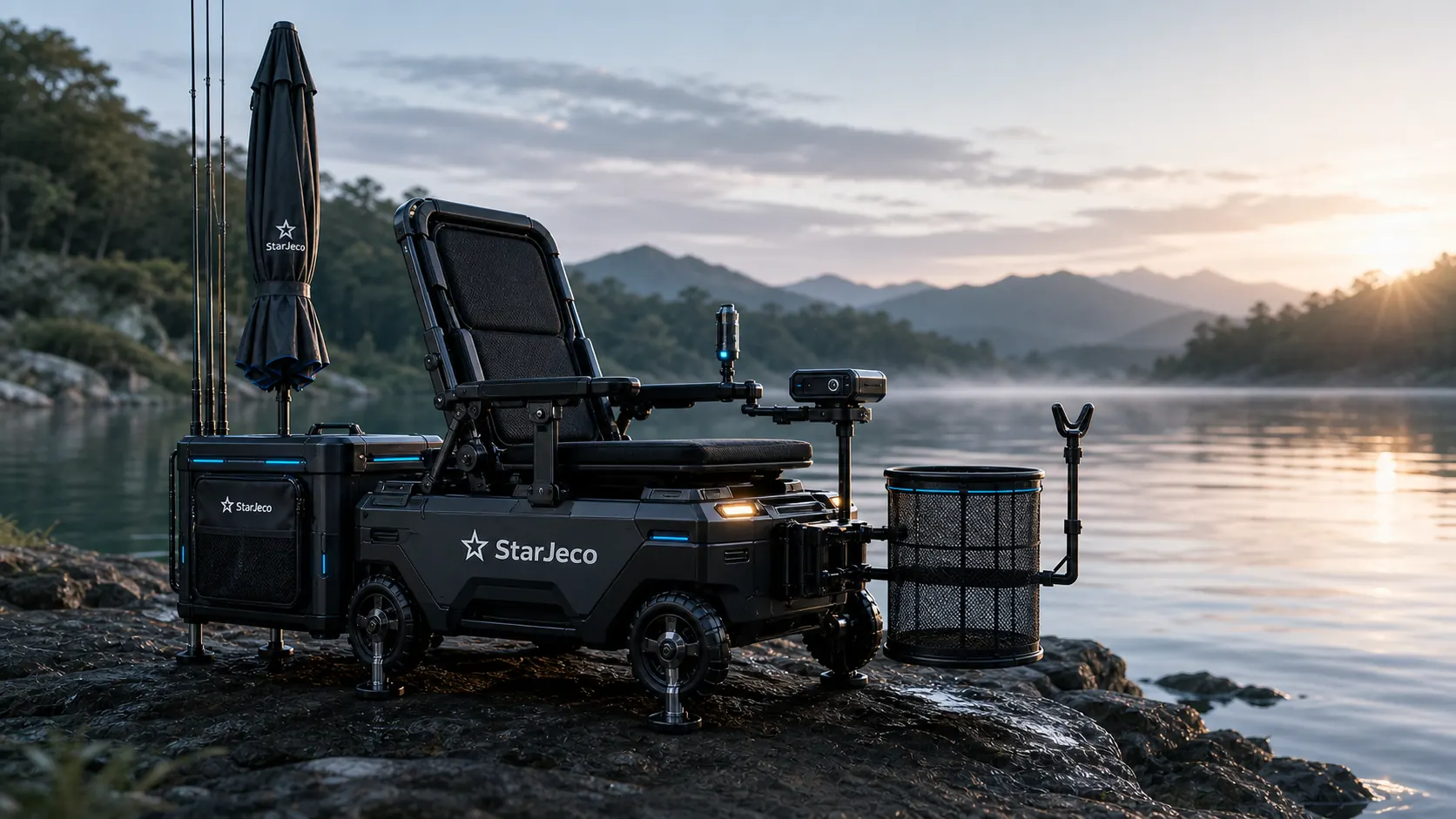
 SJ-07 User ManualPDF · 12.4MB
Technical Support Center
StarJeco Service and Technical Support
From user guide to after-sales transfer, all completed in one page
Service Flow
Transparent·Efficient·Professional
- 1Confirm issueChoose issue type and describe it
- 2Upload filesAdd photos, video, or logs
- 3Engineer reviewEngineer analysis and solution
- 4Close loopResolution, feedback, follow-up
Support database
Enter the database ›SJ-07 User ManualPDF · 12.4MB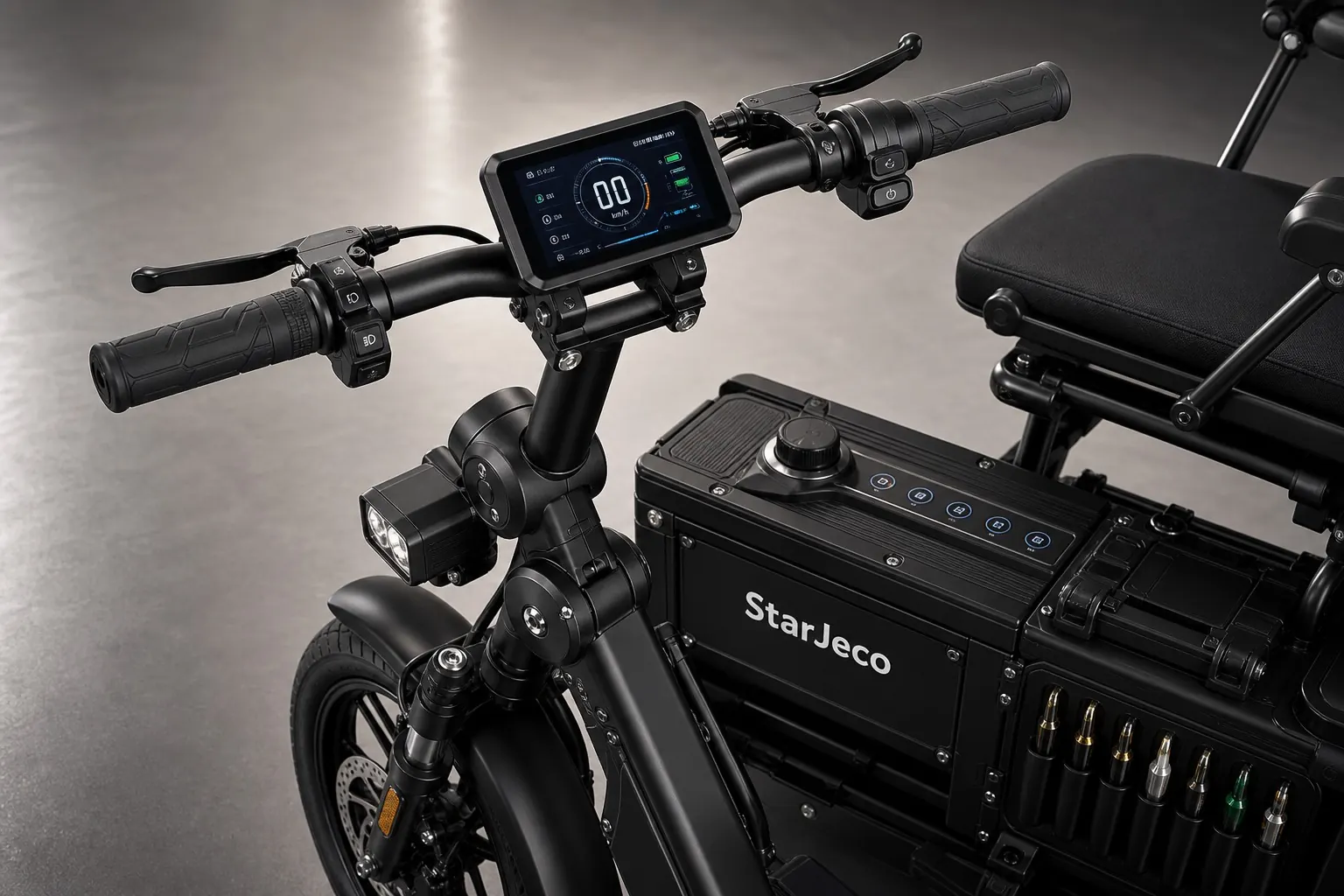 Console connection guidePDF · 8.7MB
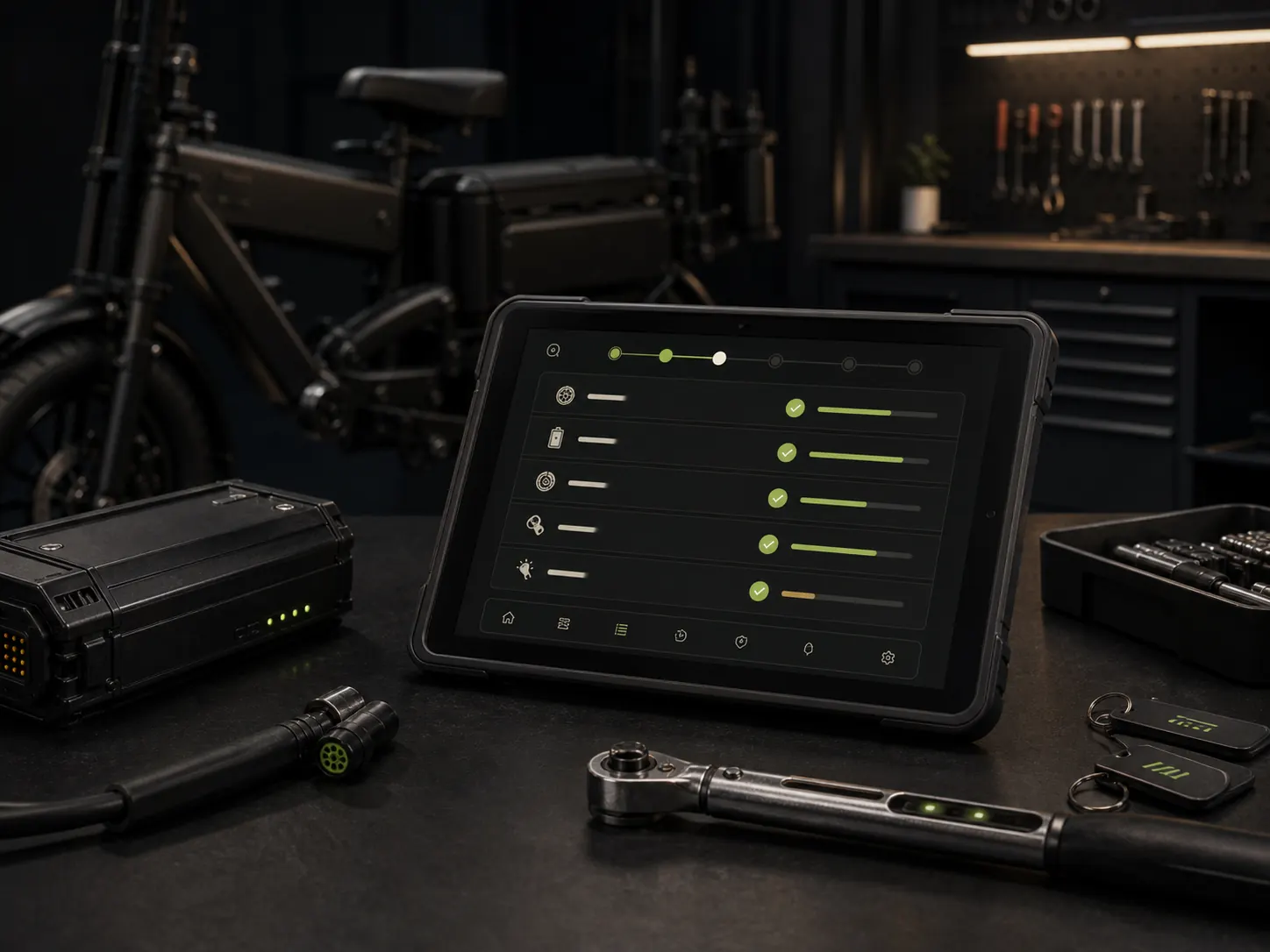 Routine maintenance checklistPDF · 6.1MB
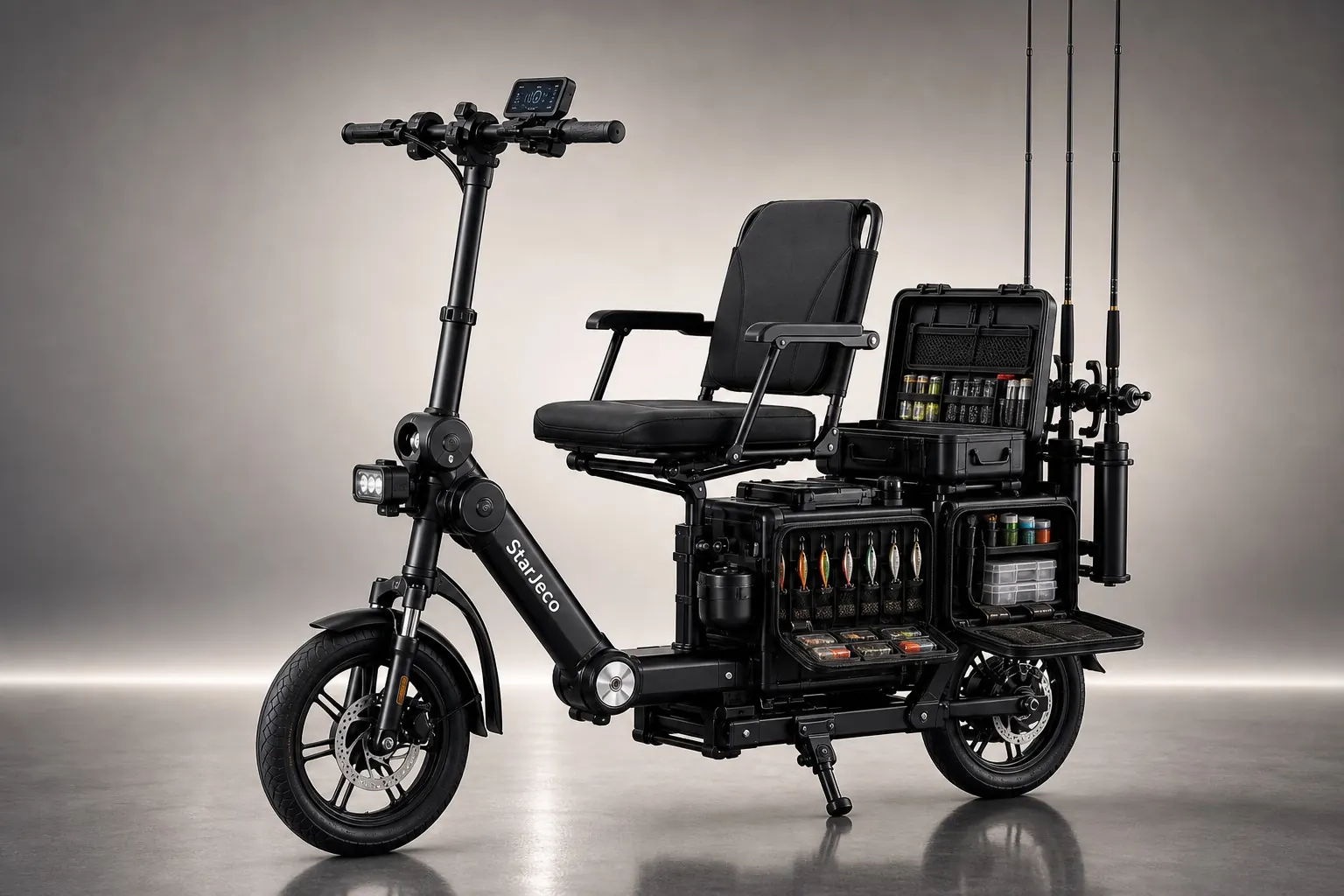 Accessory compatibility listPDF · 7.3MB
Which fishing spots is the StarJeco folding fishing cart suitable for?
It is suitable for scenes where there is still a long way from the parking point to the fishing spot, there is a lot of equipment, and the order of switching and storage is required, including urban rivers, reservoirs, lakes and near-shore fishing spots.
What can the central control signage do?
The central control signage will take over vehicle status, accessory connections, fishing spot environment, release verification, AI fish recognition and weight assessment, and points records.
Why do we need to verify vehicle data when releasing points?
Because points must reward authentic behavior. Video, time, location, water area and vehicle online records must be verified together to reduce score brushing and fraud.
What should I do if a connection fails?
First check the vehicle's battery level, Bluetooth or network status, and whether accessories are plugged in tightly, and then check the fault prompts on the central control dashboard. Later, you can enter the corresponding support articles according to the error status.